
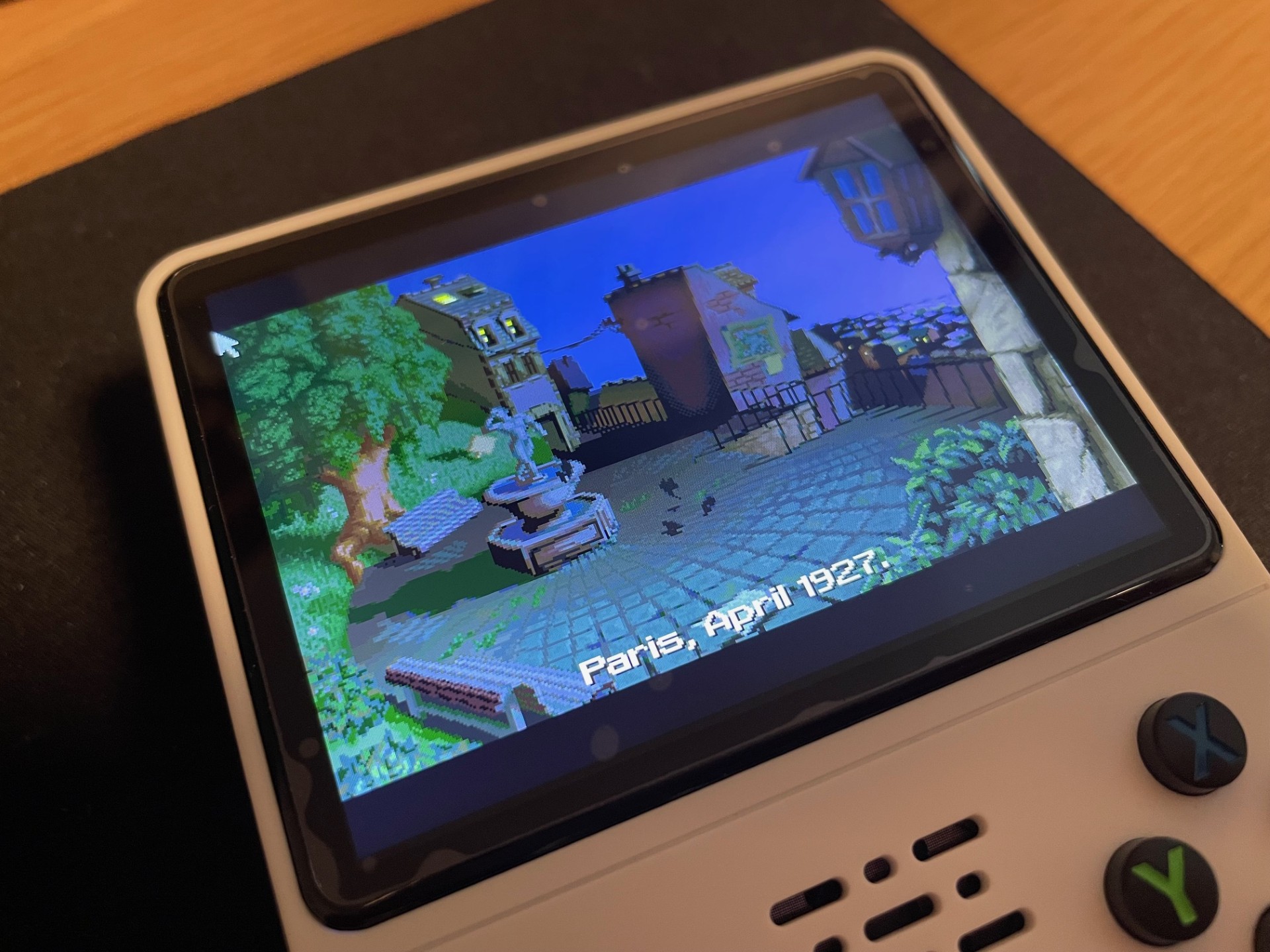
ScummVM is a great way to play MS DOS games. However, I had a bit of a hazzle when trying to get ScummVM to run on my R36S handheld emulation device. The first issue was that in my version of ArkOS, ScummVM was not able to run. The second issue was to get the emulator to find games. Below I will describe the procedure to fix both these issues.
- Get ScummVM to run. For this issue, you need to enter the terminal of your R36S, and execute a command. An easy way to do so is to connect your USB keyboard to your device, using a USB->USB-C adapter. Then, press START->QUIT->QUIT EMULATION STATION. With your USB keyboard attached, press ALT+F2 to enter a terminal. In the terminal, write: “sudo chmod +x /opt/scummvm/scummvm” (without the “” marks). This will fix ScummVM’s executable file. You can now run the emulator.
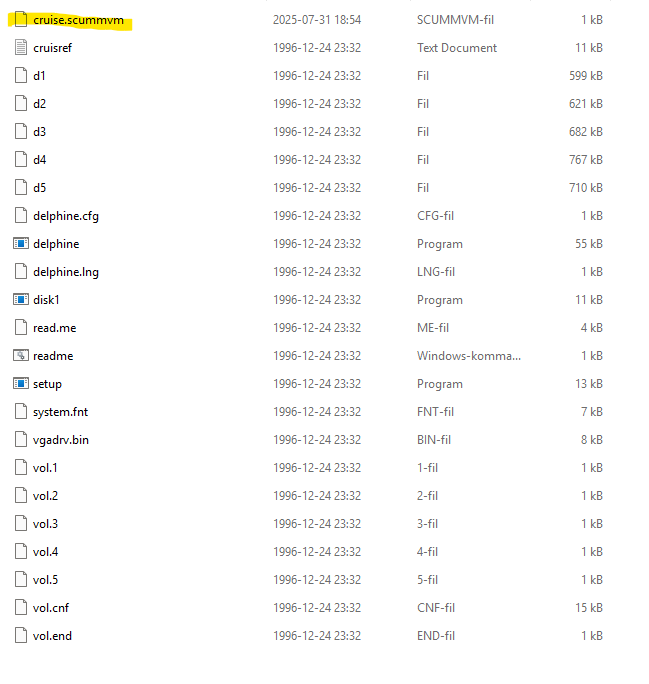
- To get games to work, you need to a) supply the necessary game files according to the ScummVM documentation, and b) add a .scummvm file in the game’s directory, with a specific name based on ScummVM’s short game names. For example, I wanted to add “Cruise for a Corpse” to my device. First, I (legally) downloaded the (cracked version of the) game from the internet. The short name for Cruise for a corpse is simply “cruise”. Open a text editor and type “cruise”. Save the file as “cruise.scummvm” (NOT a text file), and add it to the game folder. Now, transfer the game folder to the “scummvm” folder on your roms partition.
Done!
Sources: