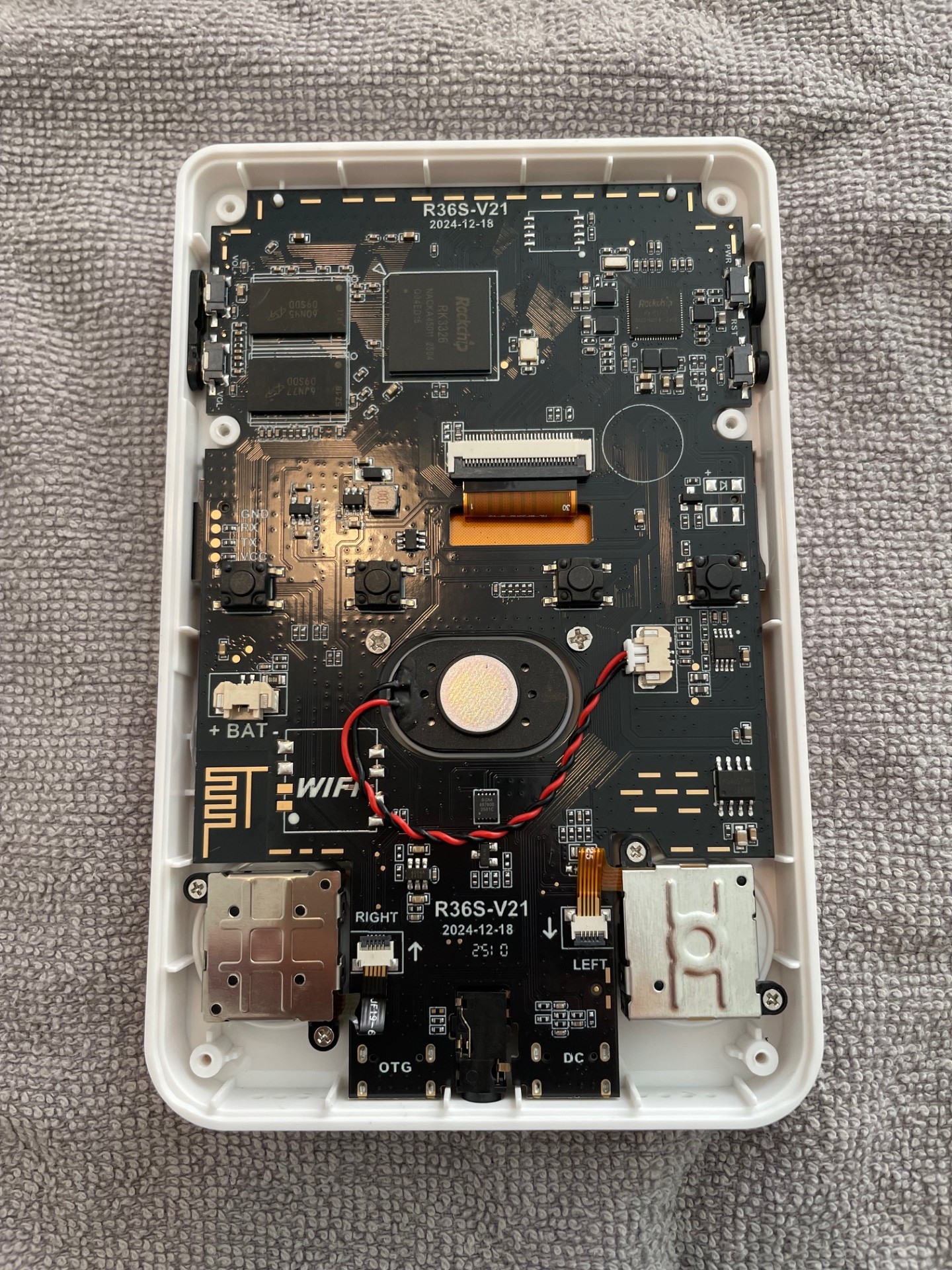
The R36S is a nifty little handheld emulation device of good quality at a low price point. It comes with a d-pad, 11 buttons, and 2 analog sticks / joy cons. As with any analog stick, they will wear over time and be subject to drift and malfunction. Fortunately, the analog sticks on the R36S are easy to replace. The R36S is using the same sticks as the Nintendo Switch. They are available at most sites, such as Amazon and AliExpress. Below are instructions for how to perform the replacement, step-by-step:
- The image below shows the back of the R36S. Remove the battery cover. Carefully pry the battery away and disconnect it. The case is held together by six screws. Remove them with a small Phillips screwdriver.
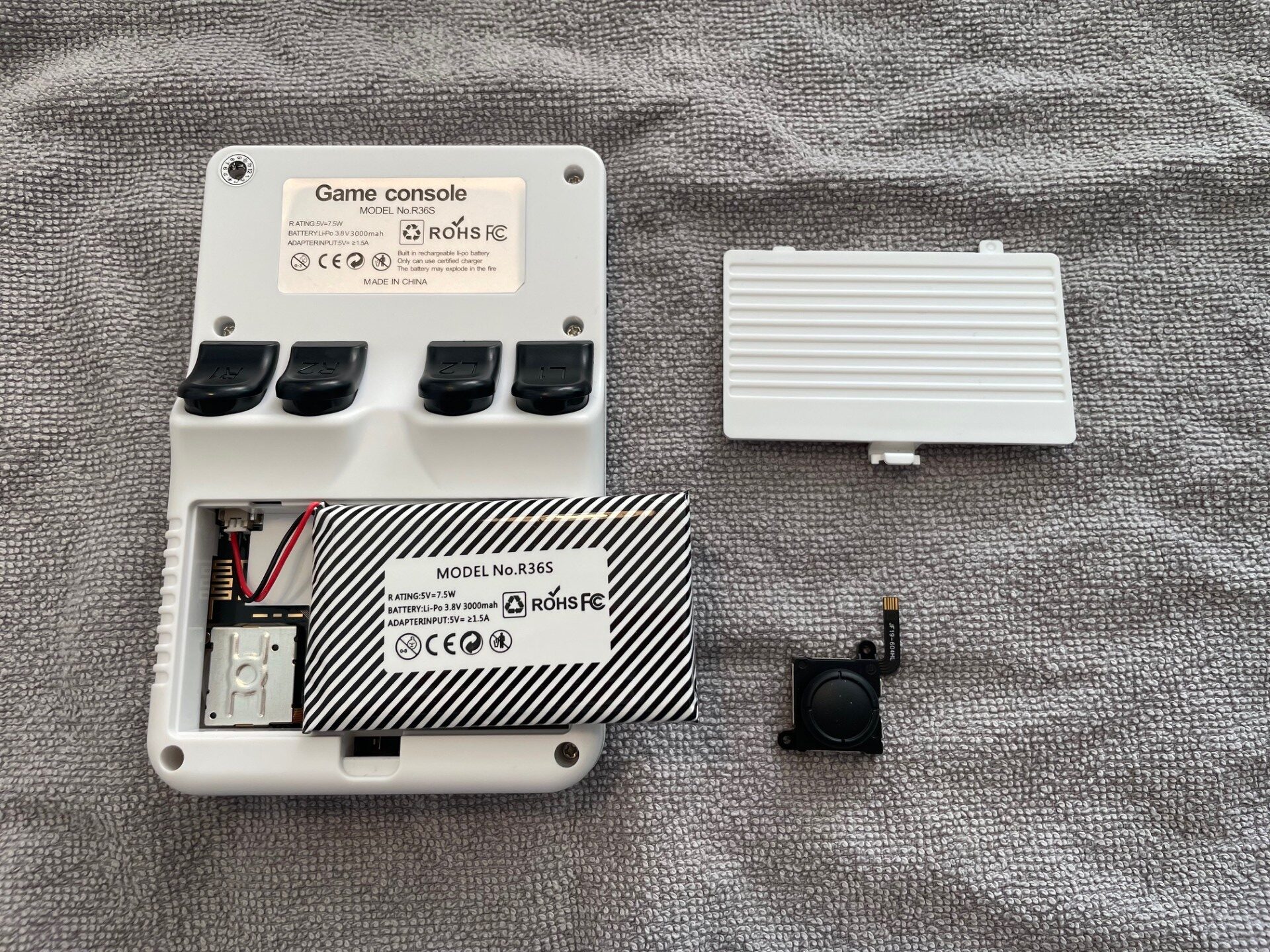
2. I will replace the right joy con in this post (= the joy con to the left in the image below, as it is taken from the back of the device). As seen, the analog sticks are attached to the case with two screws and a flat cable. To remove the stick, unscrew the screws, lift the black tab on the connector, and pry out the flat cable.
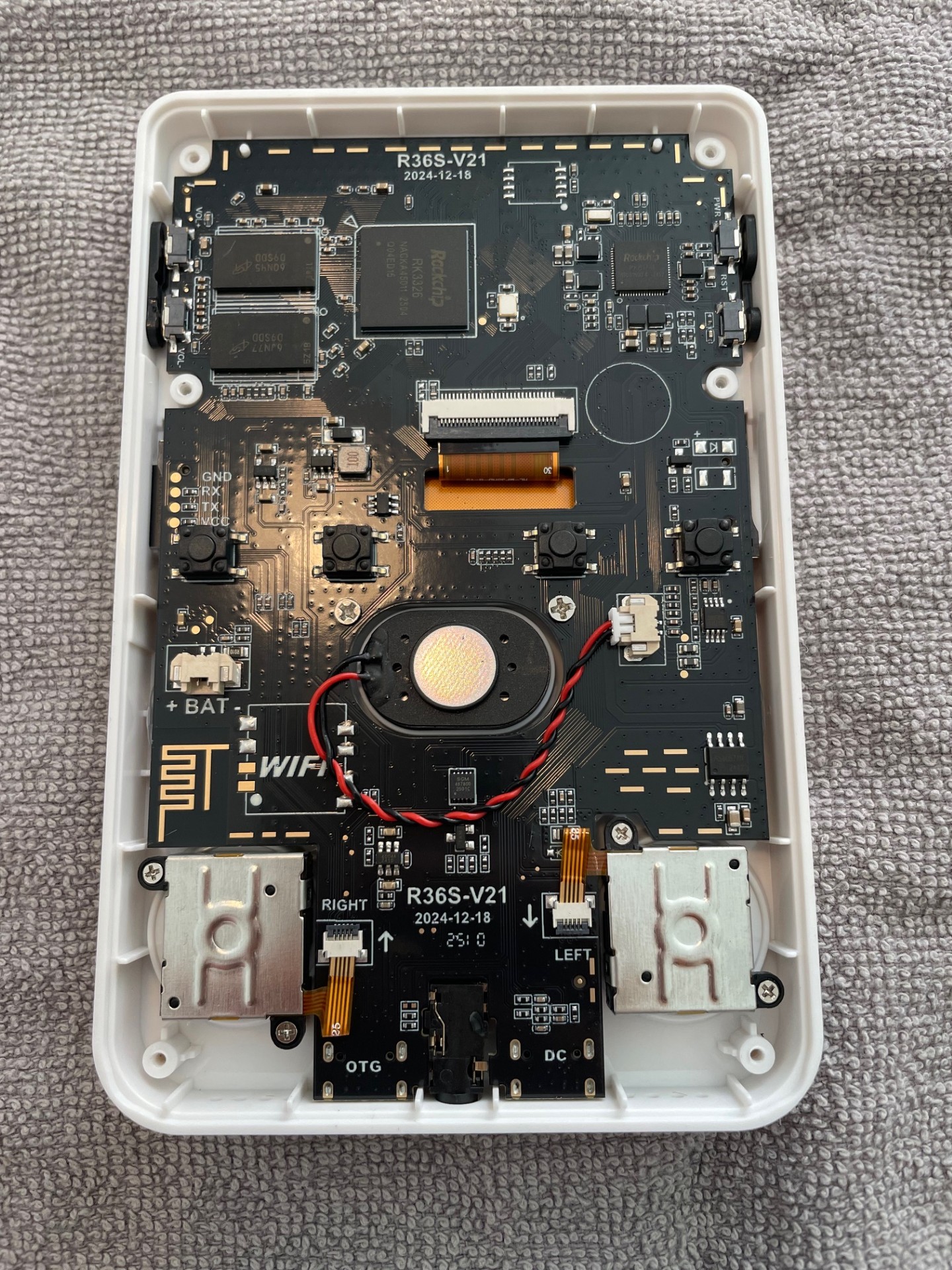
3. Position the replacement stick as below. Note that you need to fold the flat cable to make it fit into the connector. Attach it, and close the black tab again.
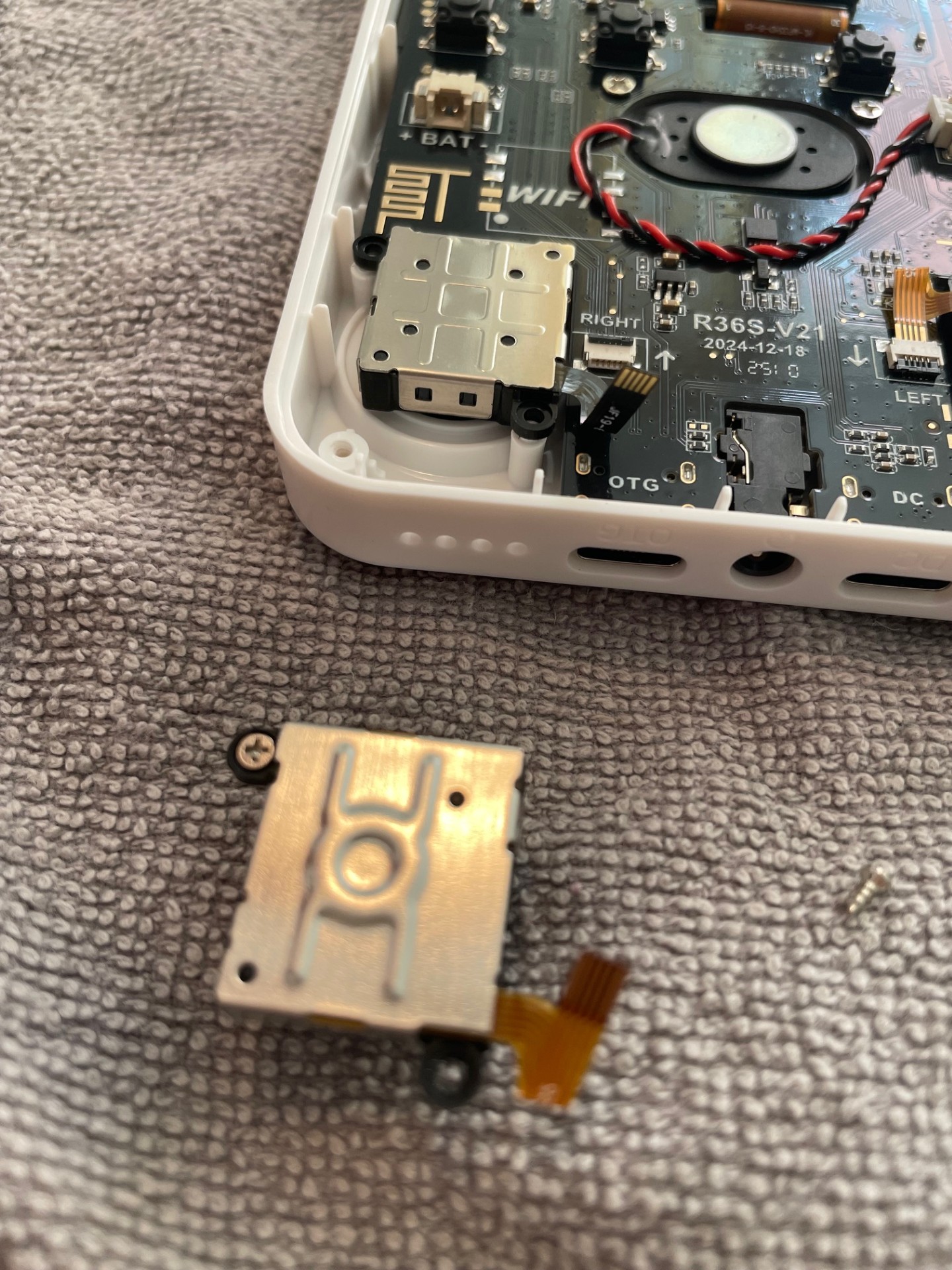
4. There we go! As seen below, this device has a brand new analog stick. Now, assemble the R36S again by closing the case using the six screws, and attach the battery again. Happy gaming!